

In the previous post, I explained why I didn't choose Vulkan for future graphics programming projects even though I'd had high expectations. For the last few days, I've been learning the Metal API (Metal 4.0 specifically), and in this post I'll explain why I decided to choose Metal for future projects.

The renderer project now has the Metal backend, and I used metal-cpp to wire it up with GLFW (I'll explain later why metal-cpp is painful). At first, I was leaning towards starting with Metal 3 and then transitioning to Metal 4, because Metal 4 is more verbose and gives more optimization opportunities like Vulkan, but since I didn't have enough time, I decided to start with Metal 4 right away. Then I created a project which is a native macOS application with MetalKit. This is the base template I will use over the metal-cpp one, for the reasons I will mention later.
For the renderer project, I asked Claude to write the whole backend first so I could see how Metal works. Then I read several resources on Metal 3+ and overhauled the code to reflect those. For the native application, Claude wrote everything other than Renderer.swift. After I made an initial version of Renderer.swift, I asked Claude to make it use native Swift syntax because my Swift code was in a C++ style. Unlike the Vulkan backend, I handwrote most parts of the code this time because I enjoyed writing Metal code, but due to time constraints like FreeBSD scheduler improvements and final exam preparation, I had to leave the rest to Claude and move on.
Favourite things about Metal
The first thing that impressed me was the API. Compared to OpenGL and Vulkan, everything was straightforward and easy to remember. Metal 4 became more verbose compared to the previous versions, but it’s still nowhere close to Vulkan when it comes to verbosity and boilerplates. It offers most of the optimization opportunities that Vulkan does and still has better ergonomics and design. I also love the Metal Shading Language (MSL). To me, it looks even better than Vulkan’s Slang.
The tooling around Metal is also nice. Xcode’s Metal debugger and Instruments’ Metal System Trace are fantastic tools to work with Metal. The fact that I can integrate SwiftUI without extra rendering logic is another advantage over other graphics APIs that need GLFW. The ImGui rendering logic has always required too much extra code, while SwiftUI provides sharper fonts and a more native-feeling design.
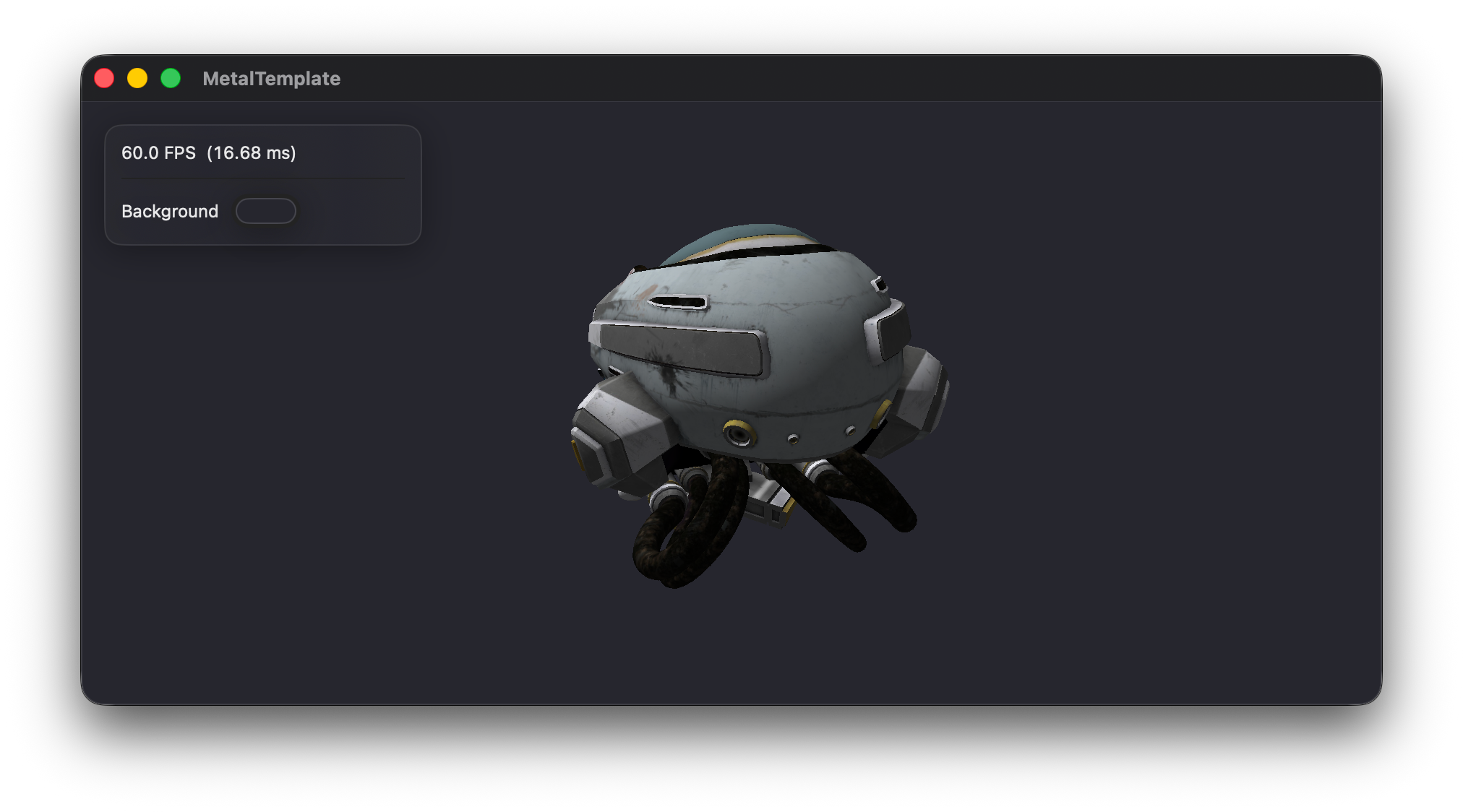
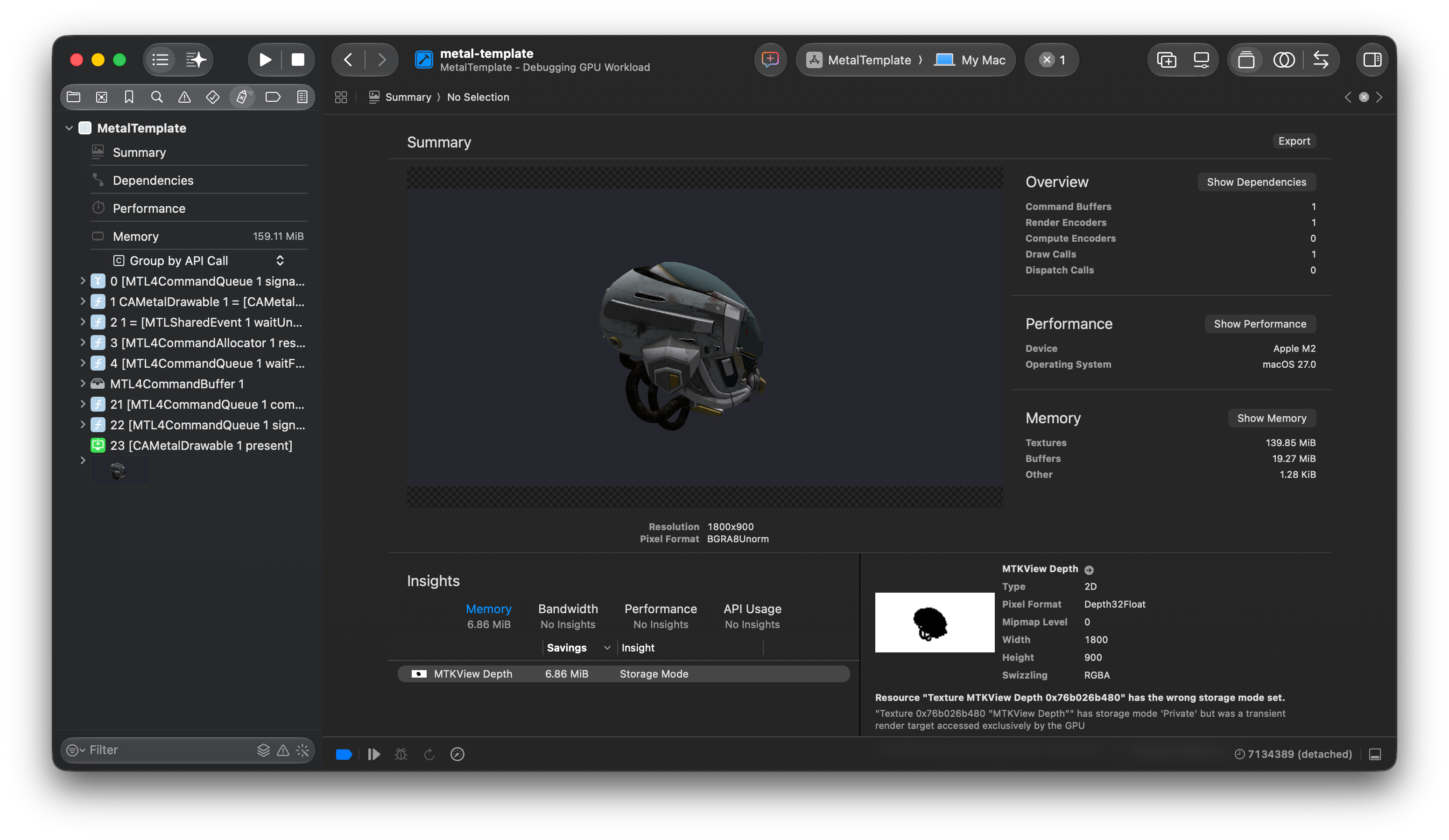
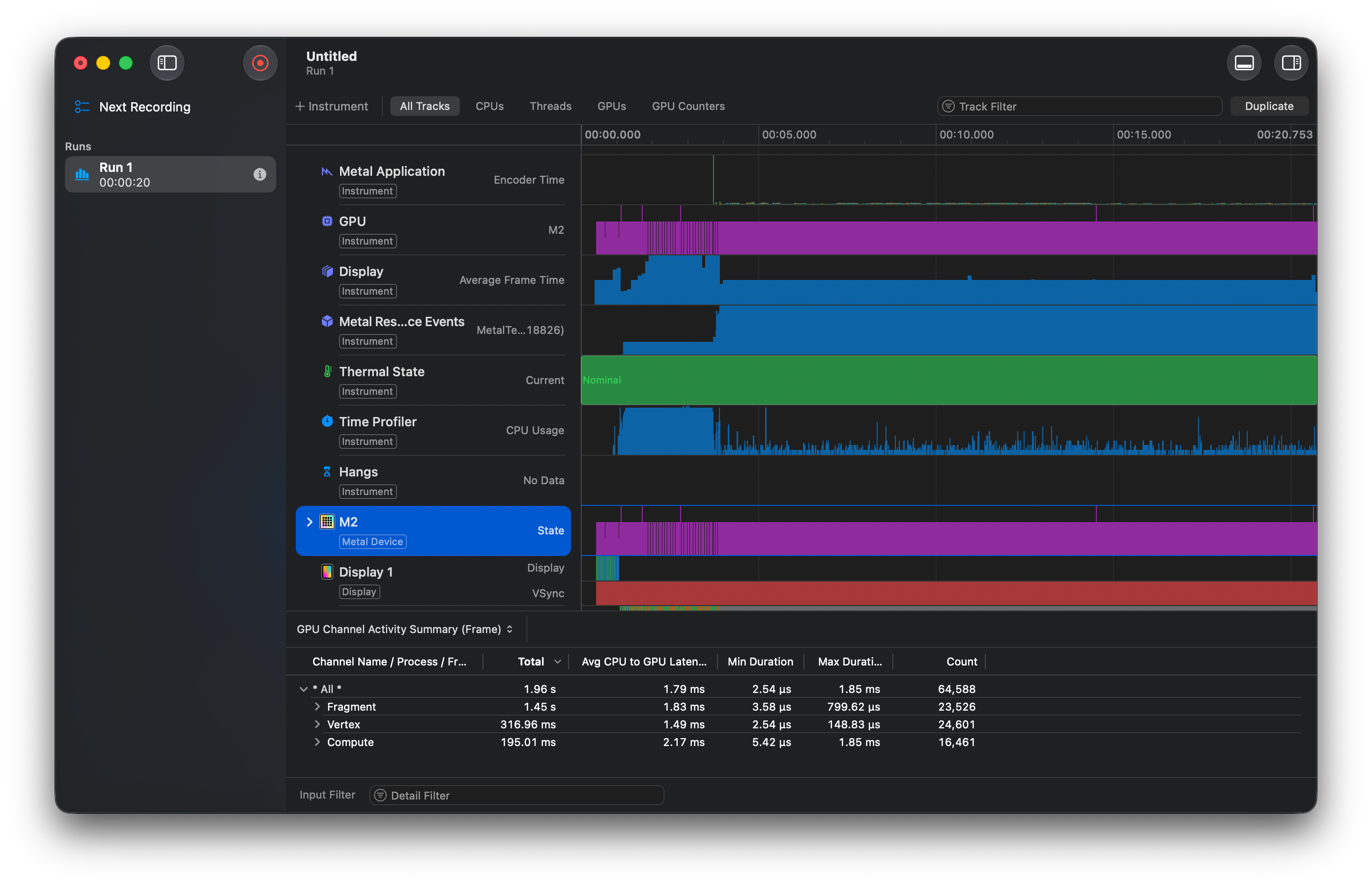
These easy-to-use GUI tools help me save time otherwise spent studying old and complicated debugging and tracing tools for other graphics APIs and operating systems. This is a huge plus for me because I’m not planning to pursue graphics programming as a job but just as a hobby, and I’m already busy with my university studies and FreeBSD work.
Don’t use metal-cpp
Apple provides C++ Metal headers for video game developers, where C++ is the dominant language. However, there are a few shortcomings that I encountered while developing.
First, the integration with window libraries like GLFW is bad. If I remember correctly, Apple used to provide essential functions for getting CAMetalLayer through metal-cpp-extensions obtained from the Learn Metal with C++ sample code. Now those functions are omitted from the header, so people have two choices left: either fetching the old headers from a random GitHub repository or writing their own objc_msgSend hack to interact with Objective-C code from C++. Neither is ideal.
Second, the API isn't written in a C++ style; it feels like they transcribed Objective-C to C++. For example, descriptors are initialized by MTL*Descriptor::alloc()→init(). You need an NS::AutoReleasePool around the render loop, and it becomes more obvious that you are writing Objective-C in a C++ file. If your company already has an established C++ coding style, metal-cpp will keep being the special one that stands out from the rest of the code, adding to the burden of both reading and writing.
When I started the native Metal application project, I could immediately tell that the developer experience was way better on Swift with Xcode. Not only did I not need to care about allocations, but Xcode's tab suggestions were also way superior to CLion's. I could call the Metal debugger right away without locating an external executable, and everything felt so smooth. So please, unless you have an outstanding reason to avoid Swift or Objective-C and need pure C++, I recommend going with them and forgetting about metal-cpp completely.
Conclusion
What I expect from my graphics projects is very simple: just real-time rendering where I don’t need to spend too much energy on the technical side. As I said before, I just want to visualise atmospheric and space environments for my own interest, so being cross-platform or microtuning through low-level APIs like Vulkan is not that important. All I want is that when my work is over and I’m lying on the sofa, I can just prototype stuff on my MacBook and be happy with the visual itself.
In this scenario, OpenGL’s design was archaic. None of my machines had a Windows installation. I tried Vulkan, but it was too painful. WebGPU is still immature and no one knows when the spec will be finalized. Then I tried Metal, and I was very satisfied. Although metal-cpp was hard to use, the native Swift API was good enough. The tooling around the Metal API, such as the Xcode Metal debugger and Instruments, was very satisfactory. Because of this, there is no reason for me to choose a graphics API other than Metal.
I’m not saying everyone should use Metal. For beginners, there are way more resources around OpenGL, and I think it will be the same for a while, as it’s the only cross-platform API that is accessible to beginners. Some might prefer Vulkan because it provides opportunities to squeeze maximum performance out of a GPU. Some might use Direct3D because it has good integration with the Windows ecosystem, like the Win32 API and the PIX debugger. But to me, it seems like ease of use is the most important thing, above all those attractive features.
Resources
The following are the resources I used for the projects:
Learn Metal with C++ (This one is very outdated, but it’s the only metal-cpp resource from Apple)